Repairs
Windows and macOS installation and boot repair in Dubai
A blue screen, a boot loop, a machine stuck on its logo or a spinning wheel, a failed update, or a laptop you just want wiped and set up clean.
Covers Windows laptops of every make, and MacBook.
The message opens with the repair filled in. Add the model and what it is doing, and a photo if there is damage to see.
- Free check-up
- A warranty on every repair
- Same day on common jobs
- Pickup and delivery in Dubai
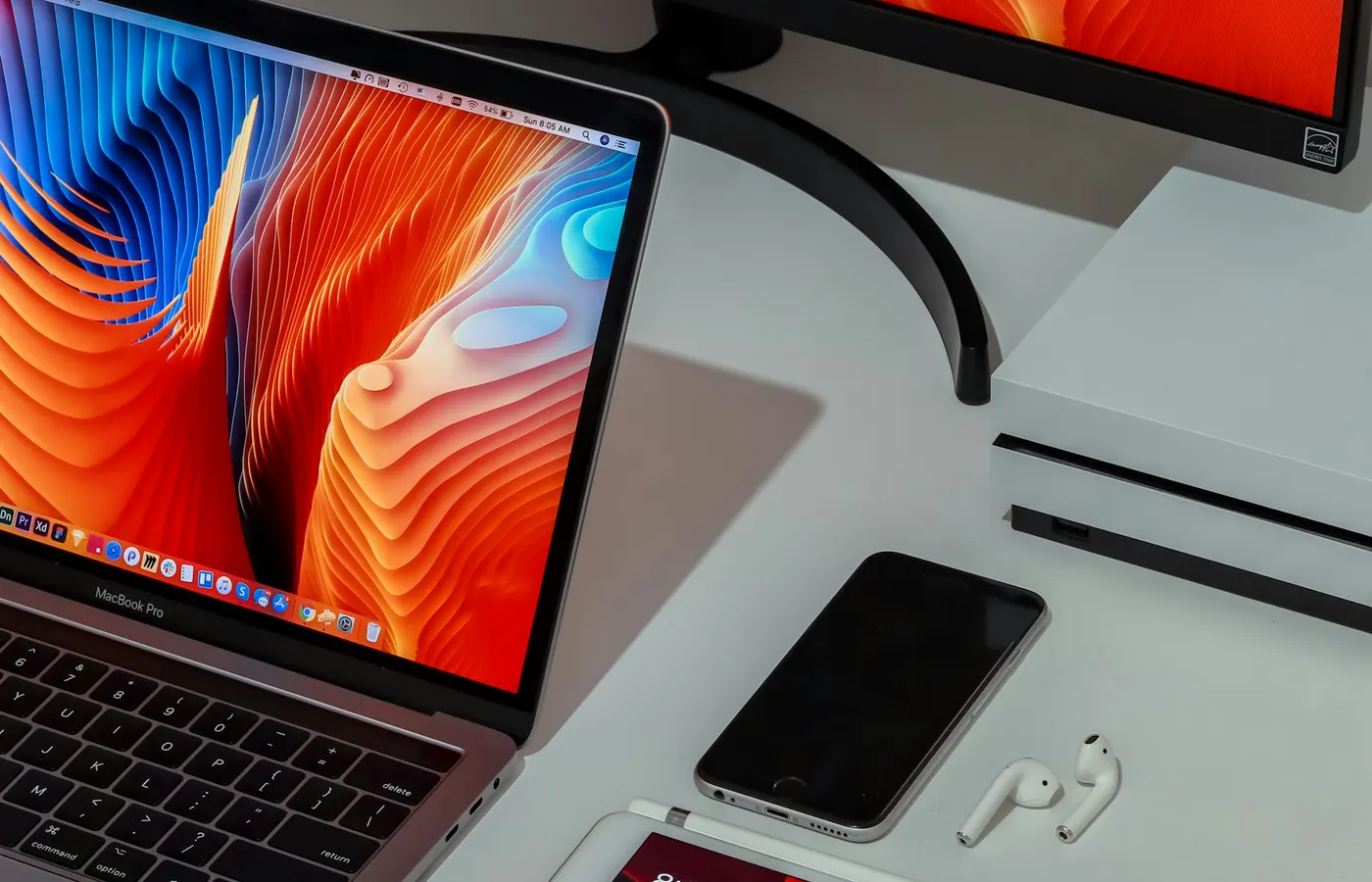
A laptop that will not get past its own logo is rarely broken. Usually the operating system has been damaged by an update that stopped halfway, a drive that is filling up, or something that got in. We repair the installation where we can and reinstall where we must, and either way your files come with you. Before a reinstall we also check the drive, because a failing drive is the most common reason an installation goes wrong in the first place.
What the repair involves
- A drive health check first, so a reinstall is not done onto a failing drive
- Boot repair where the installation can be saved, with nothing lost
- A clean install of Windows or macOS where it cannot, with your files backed up and restored
- Drivers, updates and the programs you use put back, and the machine set up ready to sign in
How it works
- 1Message us the model and the fault. The model number is enough for us to tell you whether we have the part.
- 2We reply with what the fault is likely to be and a quote.
- 3Bring it to Shop 23, Gateway Hotel Building, Meena Bazaar, with the charger. We message you when it is done and tested.
Questions we get asked
- Will I need my Windows licence?
- On nearly every laptop sold with Windows the licence is stored in the machine itself and activates on its own after a reinstall. We check it before we hand the laptop back.
- Can you put macOS back on a MacBook that is stuck?
- Yes. A MacBook stuck on the Apple logo or in a loop can usually be reinstalled with the files kept. If the storage is failing, we tell you before we start.
- Can you upgrade an old laptop to the latest Windows?
- If the hardware allows it. Where it does not, we tell you what the machine can run well, rather than install something that will crawl.
Not sure this is the fault?
Describe what the machine is doing and we will tell you what it usually means, before you come in. Or pick the sign on the home page and see which repair it points to.
Other repairs
Check-up and diagnosis
any make of laptop, MacBook included
MacBook screen replacement
MacBook Air and MacBook Pro, Intel and Apple silicon
MacBook battery replacement
MacBook Air and MacBook Pro, Intel and Apple silicon
Laptop screen replacement
HP, Dell, Lenovo, Asus, Acer, MSI, Samsung, Surface and every other make